
All-in-One Desktops
Need a Desktop Without a Desk Full of Equipment?
An All-in-One (AIO) desktop combines the computer, display and essential hardware into a single unit. This makes it a practical choice for offices, reception areas, schools, home offices and businesses that want a clean, organized workspace without a separate desktop tower.
At Opulent Computer Systems, we help you choose an All-in-One desktop based on what you actually need to do—not simply the screen size, processor or brand.
When Should You Choose an All-in-One Desktop?
An All-in-One can be a good choice if you:
- Want a clean and professional-looking workspace
- Have limited desk space
- Need a large built-in display for office work
- Want fewer cables around your desk
- Are setting up reception or customer-service desks
- Need computers for a school, office or business
- Prefer a desktop experience without a separate CPU tower
Is an All-in-One Better Than a Normal Desktop?
Not necessarily. An All-in-One is usually chosen for simplicity, appearance and space saving, while a traditional desktop can offer greater flexibility for upgrades and component replacement.
If you need a computer that will remain in one location and handle everyday business tasks, an All-in-One can be a very practical solution. If you expect to upgrade individual components frequently or need high-performance graphics, a traditional desktop may be more suitable.
What Should You Check Before Buying an All-in-One?
Don’t choose an AIO based only on its appearance.
Consider:
Processor: Choose a processor appropriate for your applications and workload.
RAM: 8GB may be enough for basic tasks, while 16GB or more is preferable for heavier multitasking.
Storage: An SSD generally provides a faster and more responsive experience than a traditional hard drive.
Display: Consider screen size and resolution, especially if the computer will be used for long hours.
Connectivity: Check the available USB ports, HDMI/DisplayPort, Wi-Fi, Bluetooth and other connections you may need.
Upgradeability: Some AIO computers have limited upgrade options, so check what can be replaced or upgraded before purchasing.
Who Are All-in-One Desktops Good For?
All-in-One desktops can work particularly well for receptionists, accountants, administrators, schools, retail businesses, customer-service desks, home offices and general office users.
For demanding engineering, 3D design, professional video editing or high-end gaming, we recommend checking the processor, dedicated graphics capability, cooling system and upgrade options carefully before choosing an AIO.
Need Help Choosing One?
Tell us what you use your computer for, your preferred screen size and your budget. Opulent Computer Systems can help you compare available All-in-One desktops and choose an option that makes sense for your work.
Browse All-in-One Desktops →
Common Questions About All-in-One Desktops
What is an All-in-One desktop?
An All-in-One desktop combines the computer hardware and monitor into one unit, reducing the need for a separate desktop tower and helping keep the workspace organized.
Are All-in-One computers good for office work?
Yes. Many All-in-One computers are well suited to office applications such as Microsoft Word, Excel, email, web applications, accounting software and other everyday business tasks.
Can an All-in-One computer be upgraded?
Some models allow upgrades such as RAM or storage, but upgradeability varies considerably between models. Check the specific model before buying if future upgrades are important to you.
Is an All-in-One better than a laptop?
It depends on your needs. An All-in-One is designed primarily for use in one location and can provide a larger built-in display, while a laptop is better when portability is important.
Should I buy an All-in-One or a desktop tower?
Choose an All-in-One if you value simplicity, a clean workspace and an integrated display. Choose a traditional desktop if you prioritize upgradeability, component replacement or higher-performance configurations.
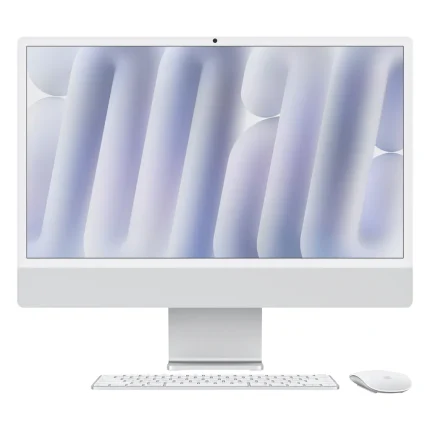
Apple iMac 24″ M4 – 24GB RAM, 512GB SSD, 10-Core CPU & 10-Core GPU
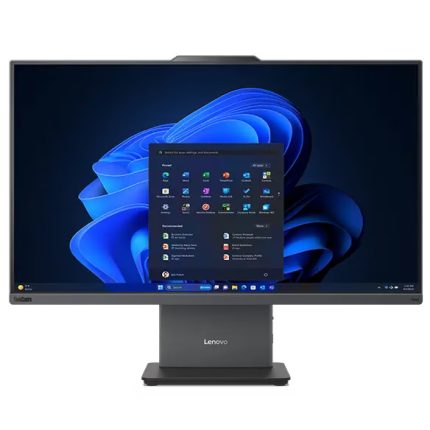
Lenovo ThinkCentre Neo 50a Gen 6 All-in-One PC Ultra 7,16gb RAM,512gb SSD 27″ Touchscreen
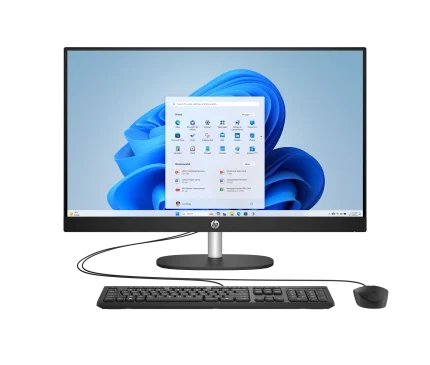
HP 27 All in One Ultra 7 16GB RAM 1TB SSD Touchscreen
HP 27 All in One Ultra 7 16GB RAM 1TB SSD Non-Touch
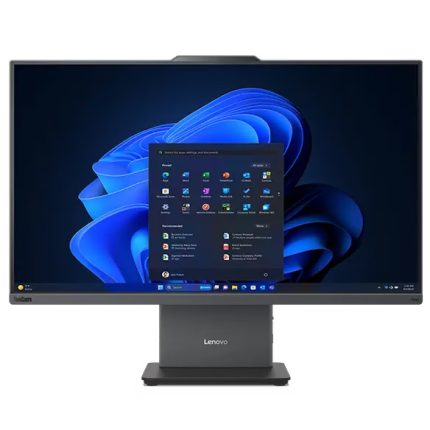
Lenovo ThinkCentre Neo 50a Gen 6 All-in-One PC Ultra 7,16gb RAM,512gb SSD 27″
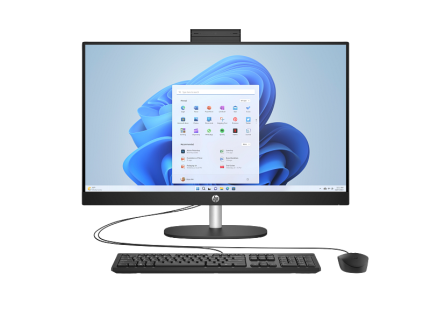
HP 27 All-in-One PC Core I7-13th gen 16 GB RAM 512GB SSD 27 Inch Display
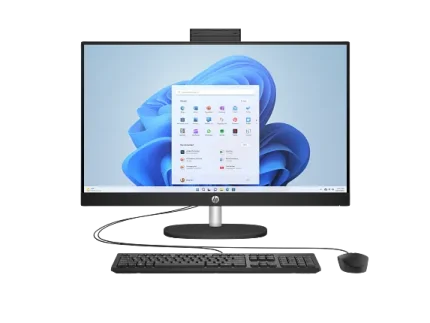
HP All In One 27 Intel Core Ultra7,8gb RAM,512gb SSD TouchScreen
Lenovo ThinkCentre Neo 50a Gen 6 24″ All-in-One PC – Core Ultra 5, 16GB RAM, 512GB SSD
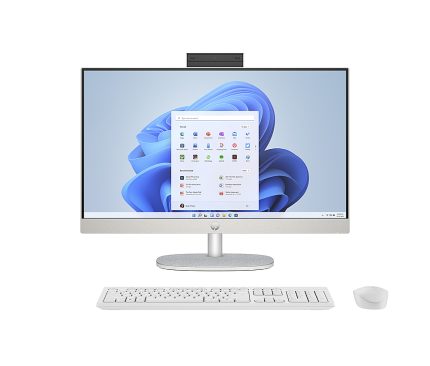
HP All-in-One 27 Core i7 16GB RAM 512GB SSD Touch Screen
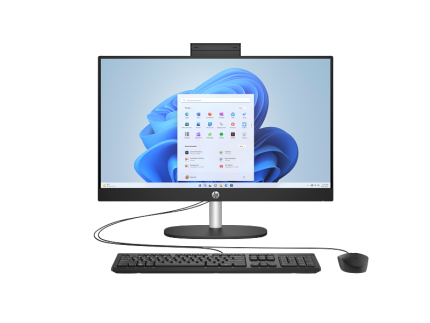
HP 24 All-in-One PC Core I7-13th gen 8 GB RAM 512GB SSD 24 Inch Display Touchscreen
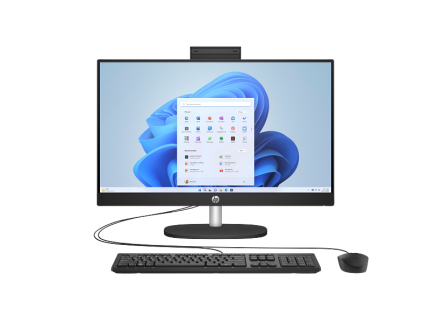
HP 24 All In One Ultra 7,8gb RAM,512 gb SSD Touchscreen

HP Pro one 440 G9 Core i7 14th gen,16 gb RAM,512 gb SSD
All in one desktops