

Choosing a laptop for a student is not simply about finding the cheapest computer available.
For a student, a laptop can become a classroom, library, research tool, communication device, project workstation and entertainment centre—often all in the same day.
The challenge is knowing what is actually worth paying for.
A student studying Business or Law may need a very different laptop from someone studying Computer Science, Engineering, Architecture, Graphic Design or Film. And while a powerful laptop sounds attractive, spending money on specifications the student will never use is just as frustrating as buying a machine that becomes too slow after a year.
At Opulent Computer Systems, we help students and parents choose laptops based on course, workload, budget, portability and expected years of use.
If you’re looking for student laptops in Kenya, this guide will help you understand what to look for before you spend your money.
What Makes a Good Student Laptop in Kenya?

The best student laptop isn’t necessarily the most expensive laptop.
It is the laptop that can comfortably handle the student’s actual workload while being easy enough to carry around campus and reliable enough to last.
For many students, the most important factors are:
- Processor: Core i5, Core i7, Core Ultra, Ryzen 5 or Ryzen 7 depending on workload
- RAM: 8GB is a practical starting point; 16GB is preferable for demanding work
- Storage: An SSD is strongly preferable to an old mechanical hard drive
- Battery life: Important for students moving between lectures, libraries and hostels
- Weight: A laptop carried every day should not become a burden
- Keyboard: Students type assignments, reports and research for hours
- Display: A comfortable screen makes long study sessions easier
- Durability: Hinges, keyboard and chassis matter when a laptop is being used daily
- Ports: USB, HDMI, USB-C and other connections can be useful depending on the course
A good student laptop should make studying easier—not become another problem the student has to deal with.
How Much Should You Spend on a Student Laptop in Kenya?
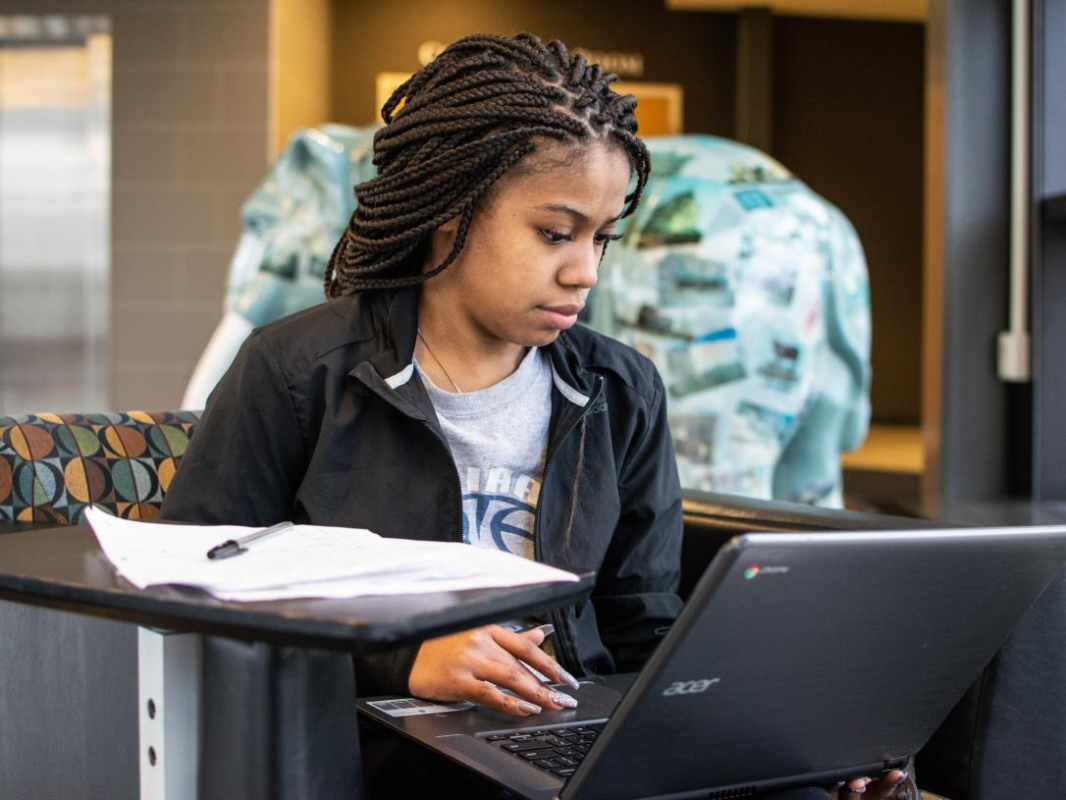
There is no single correct student-laptop budget.
The right amount depends on the course and how long you expect the laptop to remain useful.
As a general guide, you may encounter student-friendly options across several price levels:
| Budget | What to Look For | Suitable For |
|---|---|---|
| Around KSh 25,000–35,000 | Entry-level/refurbished business laptops, SSD, 8GB where possible | Basic schoolwork, browsing, Office |
| Around KSh 35,000–50,000 | Core i5/Ryzen 5-class machines, 8GB RAM, SSD | Most university students |
| Around KSh 50,000–70,000 | Better-generation processors, 8–16GB RAM, 512GB SSD | Heavy multitasking, programming, professional work |
| KSh 70,000+ | Premium business laptops, MacBooks, powerful new laptops | Demanding courses and long-term use |
| KSh 100,000+ | Dedicated graphics, premium displays, high-end processors | Engineering, architecture, creative work, gaming |
These are guidelines rather than fixed market prices. Laptop prices change according to brand, generation, condition, RAM, storage, display, warranty and availability.
The important question isn’t:
“What is the cheapest laptop I can buy?”
It is:
“What laptop will give this student the best value over the next several years?”
Student Laptops by Course

One of the biggest mistakes when buying a student laptop is choosing the machine before considering the course.
A laptop for a Law student doesn’t need the same hardware as one for an Engineering student.
Business, Economics, Commerce and Accounting Students

For Business, Economics, Accounting, Finance and related courses, look for a dependable laptop with:
- Core i5 or Ryzen 5-class processor
- 8GB RAM or more
- 256GB or 512GB SSD
- Comfortable keyboard
- Good battery life
- 13–15.6-inch display
Students working with large Excel files, accounting software or data analysis may benefit from 16GB RAM.
You usually don’t need a gaming laptop simply to write reports, research online and work with spreadsheets.
Law, Education, Arts and Humanities Students

For courses involving a lot of reading, research, writing and presentations, portability and comfort can be more important than raw performance.
A good choice may have:
- 8GB RAM or more
- SSD storage
- Comfortable keyboard
- Good-quality display
- Strong battery life
- Lightweight design
A 13- or 14-inch laptop can be particularly convenient for students who carry their computers between lectures and study areas.
Computer Science, IT and Programming Students

Computer Science and IT students should think beyond basic Word and web browsing.
They may use:
- Programming environments
- Databases
- Virtual machines
- Development tools
- Linux
- Local servers
- Android development tools
- Data-analysis software
For this reason, 16GB RAM and a 512GB SSD can be a much better long-term choice.
A modern Core i5/Core Ultra or Ryzen 5/Ryzen 7-class processor is often a sensible starting point, depending on the workload.
For processor information, students can also consult Intel’s processor guide and AMD’s Ryzen laptop processor range.
Engineering and Architecture Students
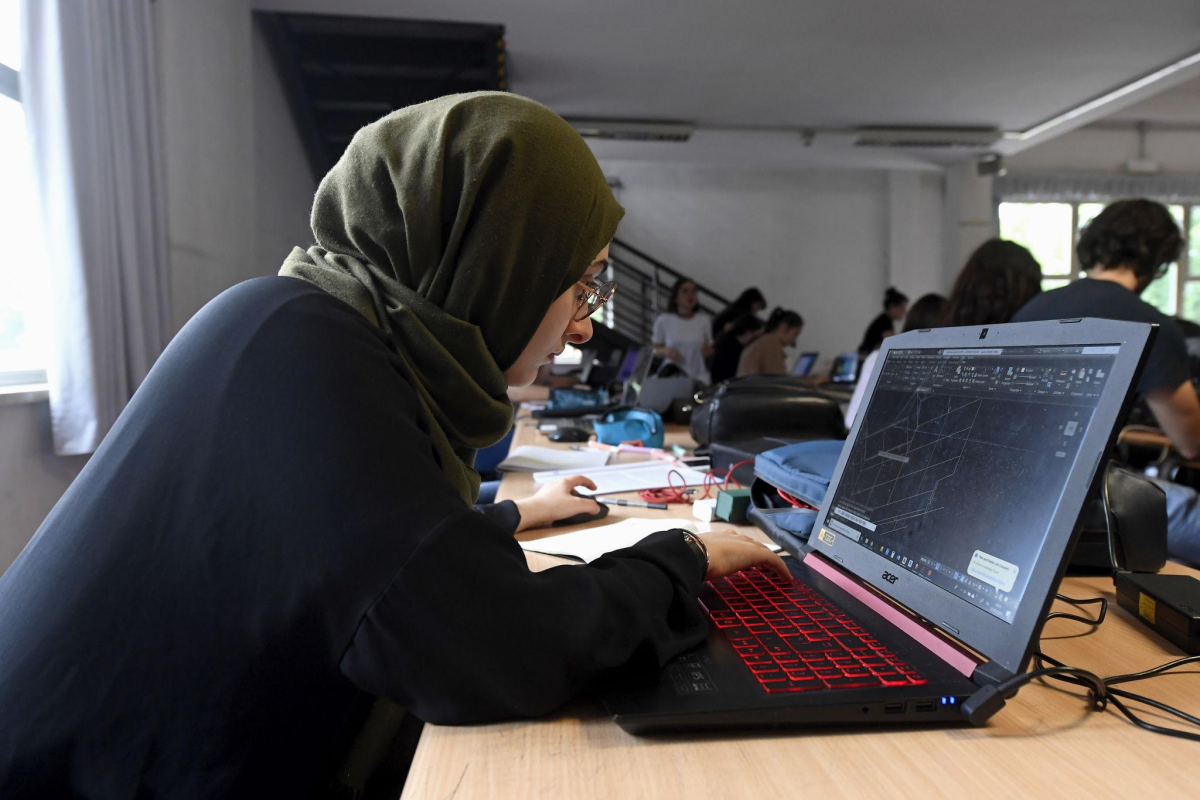
This is where choosing a laptop simply because it is “good for students” can become a costly mistake.
Engineering and Architecture students may work with software such as:
- AutoCAD
- SolidWorks
- Revit
- MATLAB
- 3D modelling applications
- Simulation software
- Rendering applications
Depending on the course, a student may need:
16GB RAM + 512GB SSD or more + a capable processor + dedicated graphics.
A dedicated GPU becomes particularly important for demanding 3D modelling, rendering and visualisation workloads.
Don’t buy a basic office laptop for a course that requires serious CAD or 3D work.
Graphic Design, Video and Creative Students

Students working with Photoshop, Illustrator, Premiere Pro, DaVinci Resolve or similar applications should prioritise:
- 16GB RAM or more
- Fast SSD storage
- Strong processor
- Good display
- Dedicated graphics where required
- Sufficient storage for large media files
For creative work, the screen matters much more than many buyers realise.
A laptop can have a powerful processor but still be a poor choice for a design student if the display is unsuitable for their work.
Best Laptop Brands for Students in Kenya
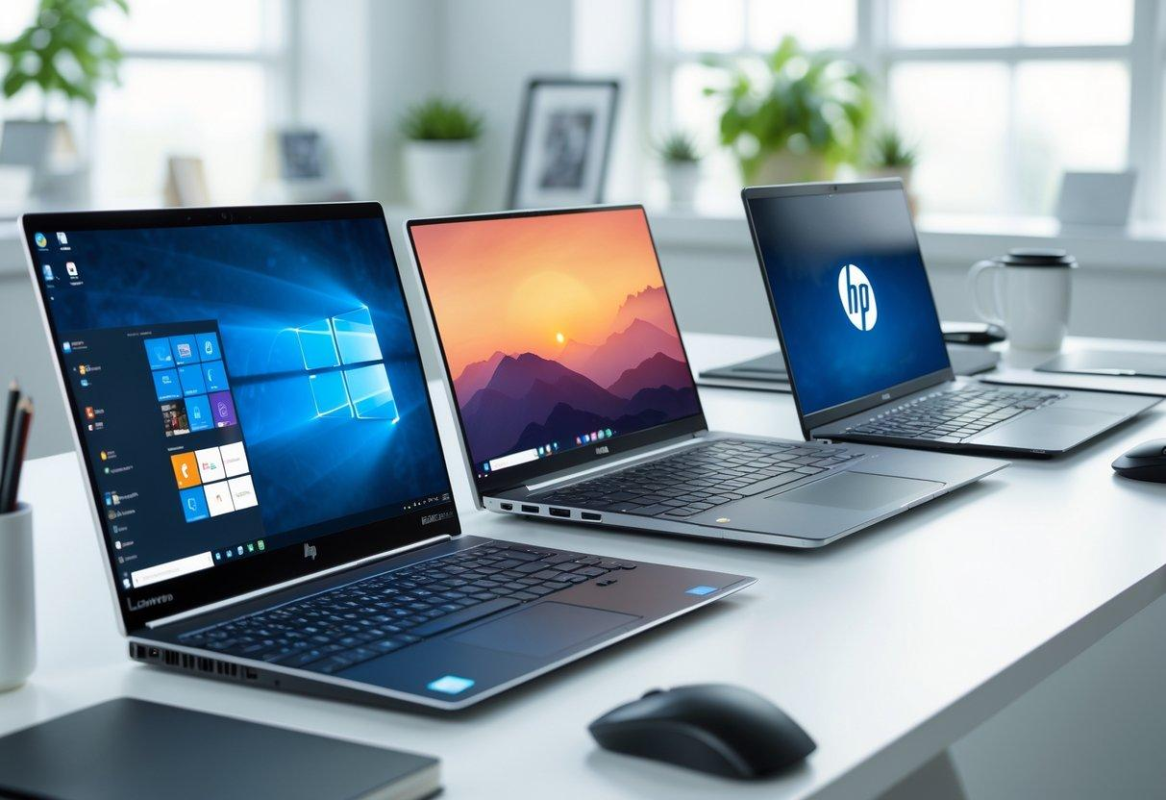
There isn’t one laptop brand that is automatically best for every student.
However, several brands are popular because they offer a wide range of machines across different budgets and workloads.
HP Laptops for Students
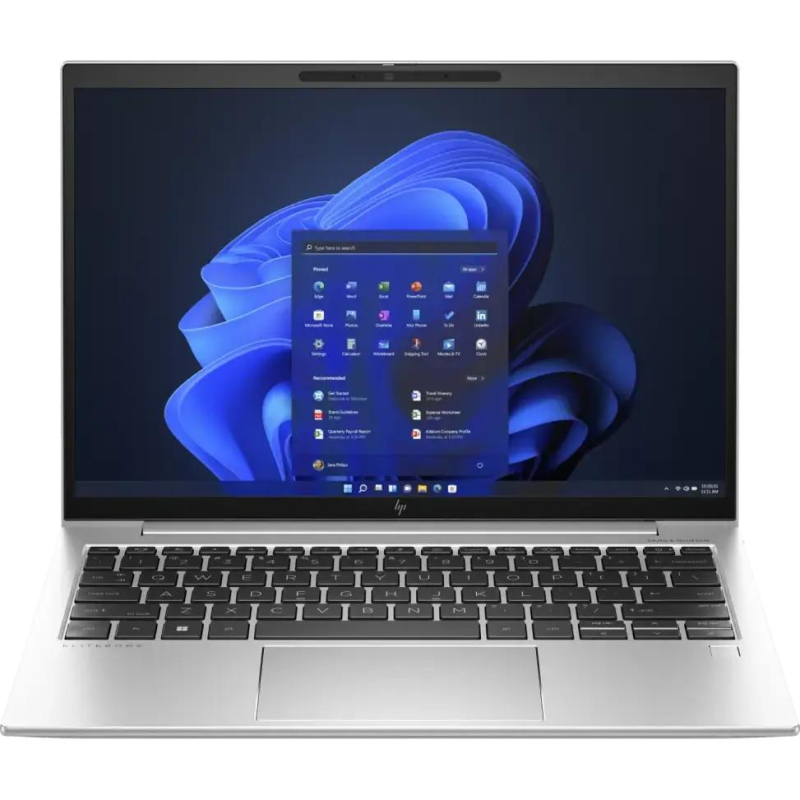
HP offers everything from affordable everyday laptops to business-class EliteBook and ProBook machines.
For students, business-class HP laptops can be particularly attractive because of their build quality, keyboards and practical designs.
Explore our future HP Laptops in Kenya guide for a deeper comparison of HP models.
Dell Laptops for Students
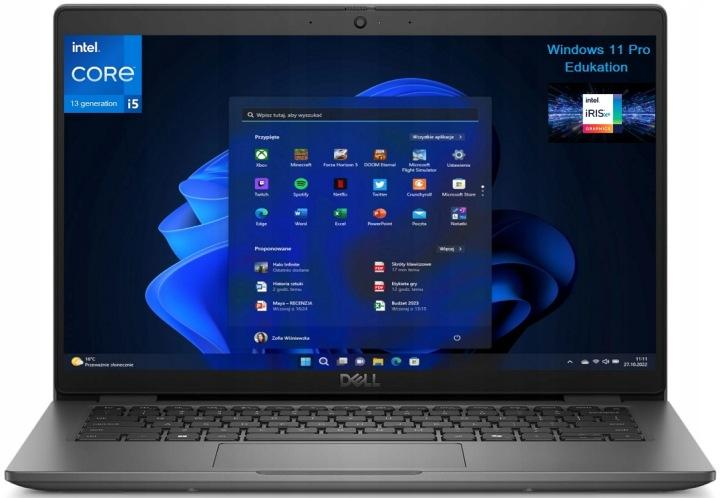
Dell Latitude laptops are widely associated with business use, but that doesn’t mean they are unsuitable for students.
A well-maintained Latitude can be an excellent option for a student who wants a practical, durable machine without paying for unnecessary features.
Dell also offers higher-performance and premium ranges for students with more demanding requirements.
Lenovo Laptops for Students
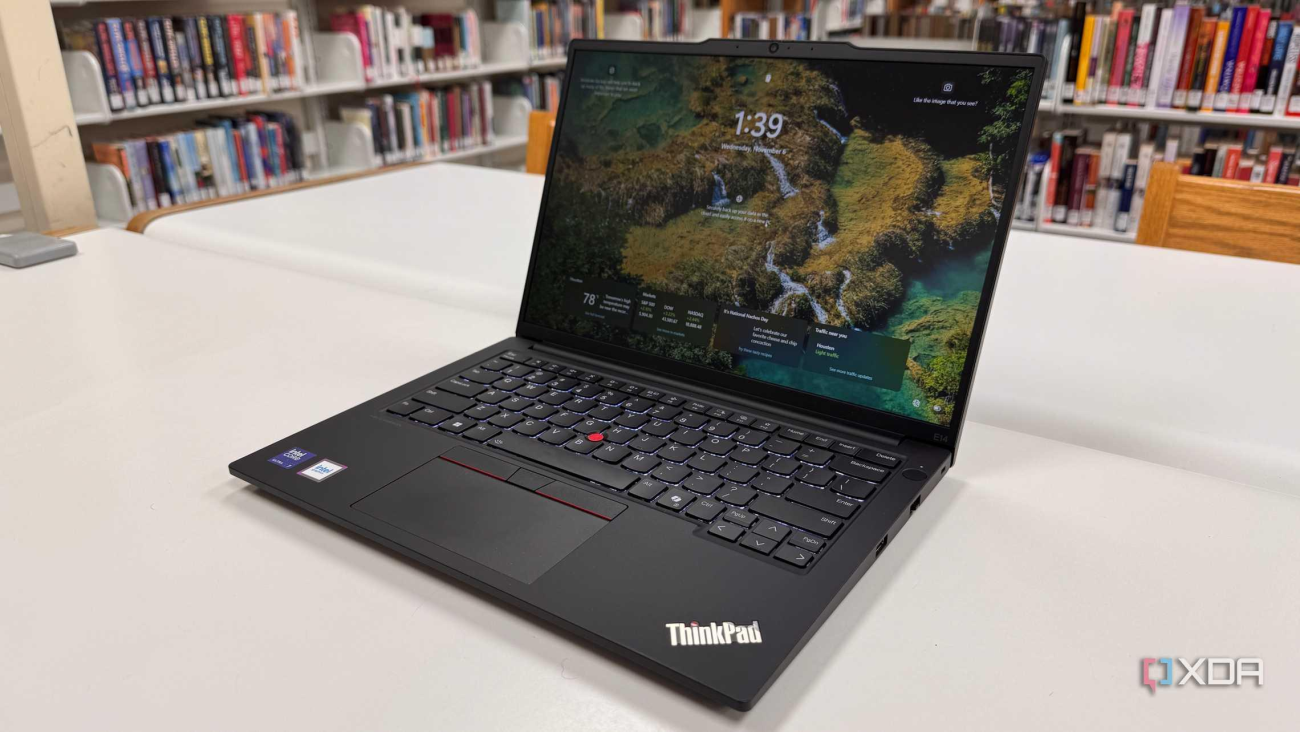
Lenovo has several ranges that can suit students, from IdeaPad models to the business-oriented ThinkPad family.
ThinkPads are particularly interesting for students who prioritise:
- Keyboard quality
- Durability
- Practical design
- Business-class construction
- Long-term usability
ASUS Laptops for Students
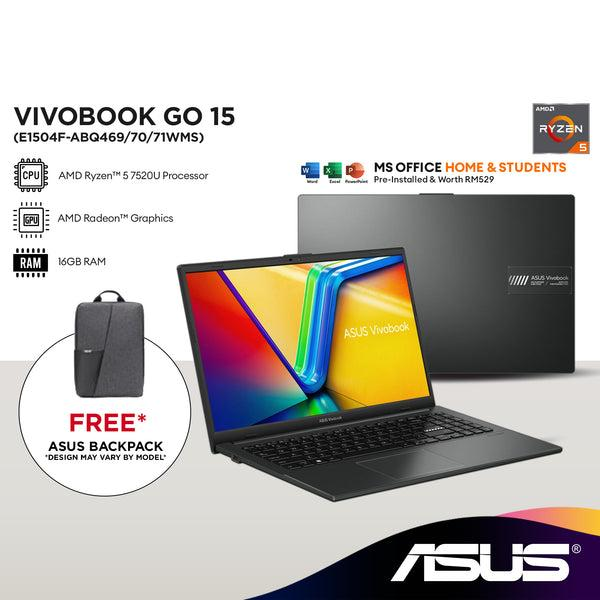
ASUS can be a strong option for students who want a newer design, portability or stronger performance at a particular budget.
The important thing is to compare the actual specifications and intended workload, rather than choosing a brand simply because it is popular.
MacBooks for Students

MacBooks can be excellent student computers, particularly for students who value:
- Battery efficiency
- Portability
- Build quality
- Display quality
- Apple ecosystem integration
- Creative work
However, compatibility matters.
Some university courses depend on Windows-only applications, specialist engineering software or other programs that may make a Windows laptop the more practical choice.
Students considering a MacBook should check their course requirements first. Apple Mac provides official information about Apple’s current Mac range.
8GB or 16GB RAM: What Should a Student Choose?

For a new student laptop, 8GB RAM can handle many everyday academic tasks, including browsing, Microsoft Office, research, video calls and general productivity.
But if the budget allows, 16GB RAM is a much more comfortable long-term choice.
This is especially true for:
- Computer Science
- IT
- Data Science
- Engineering
- Architecture
- Graphic Design
- Video Editing
- Students who multitask heavily
Don’t confuse RAM with storage.
RAM helps the computer handle active applications and multitasking.
Storage holds your files, applications and operating system.
SSD Storage: Don’t Buy a Slow Laptop Just to Save Money
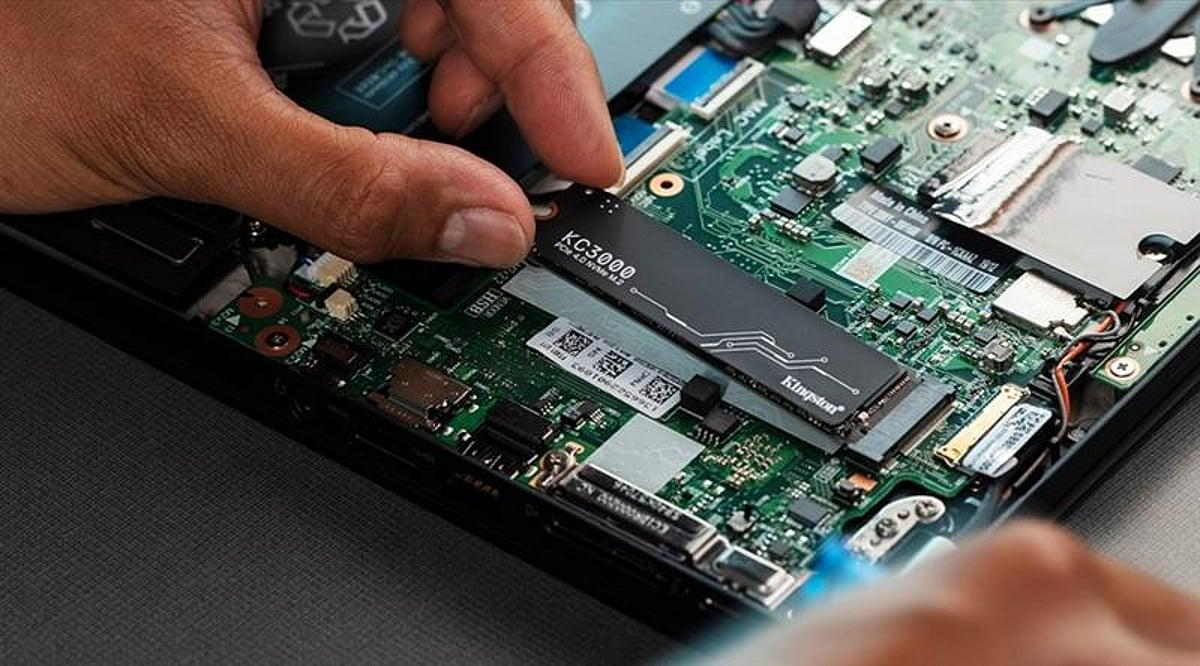
One of the biggest improvements in modern laptops is the move from traditional mechanical hard drives to SSD storage.
For a student, an SSD can make everyday computing feel dramatically more responsive.
A student laptop should ideally have:
- 256GB SSD as a practical starting point
- 512GB SSD for a better balance
- 1TB SSD if the student stores large projects, videos, software or design files
If you’re choosing between an older laptop with a large HDD and a slightly newer machine with a smaller SSD, don’t automatically choose the bigger number.
Storage capacity isn’t the same thing as storage speed.
New or Refurbished: Which Student Laptop Is Better?
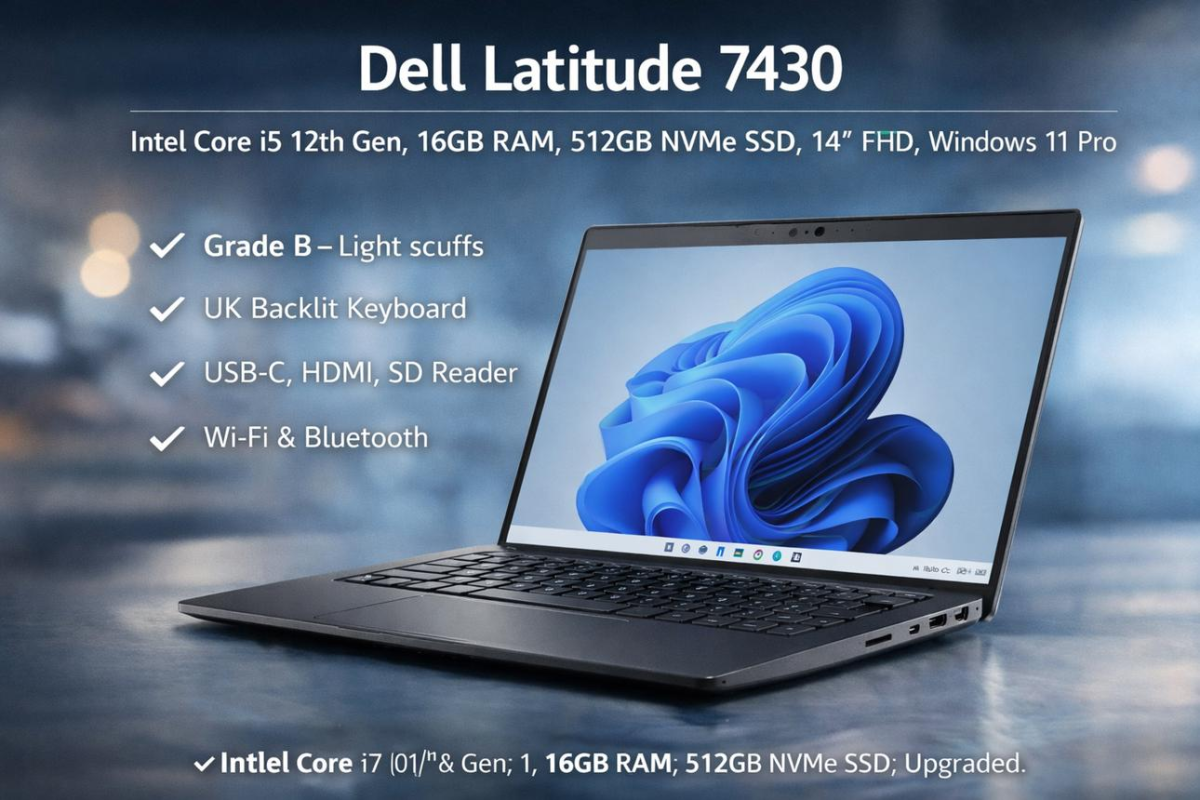
This is one of the most important decisions for students in Kenya.
A new laptop gives you the advantages of new hardware, current designs and manufacturer warranty options.
But a quality refurbished business laptop can sometimes offer far more computer for the money.
For example, a student with a limited budget may be better served by a properly tested business-class laptop with:
Core i5 + 8GB/16GB RAM + SSD
than by a very cheap new laptop with weak hardware simply because it has a “new” label.
The key is who refurbished it, how it was tested, its condition, battery health, warranty and whether the specifications genuinely match the student’s needs.
Never buy refurbished simply because it is cheap.
Buy refurbished because it represents good value from a trustworthy seller.
You can also explore our upcoming Refurbished Laptops in Kenya guide and Laptop Buying Guide Kenya for more detailed advice.
Don’t Choose a Student Laptop by Specifications Alone
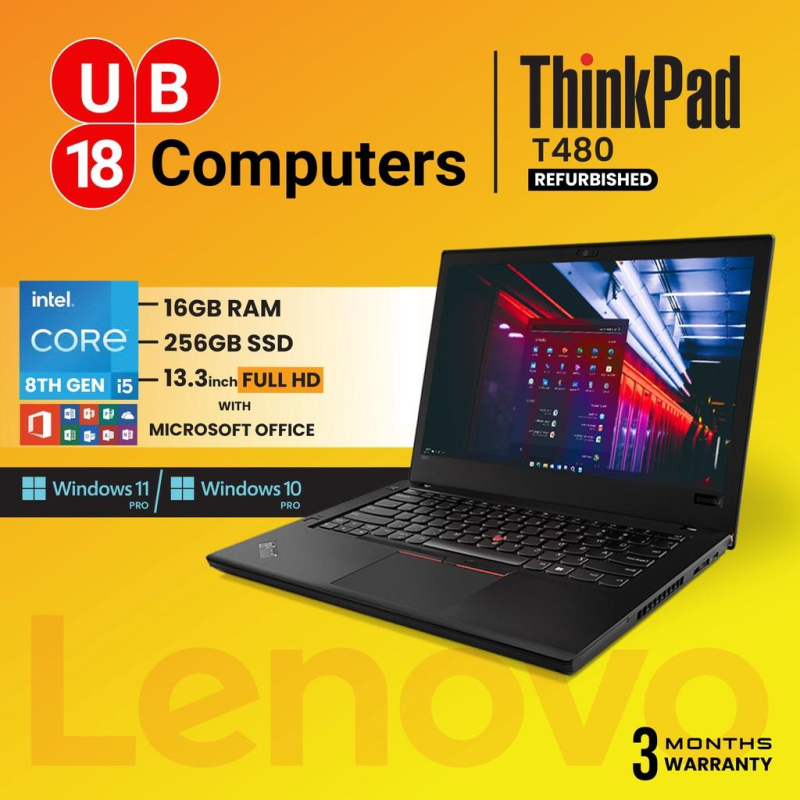
Two laptops can both have Core i5 processors and still be completely different machines.
Look at:
Processor generation
A processor’s name alone doesn’t tell the whole story.
RAM
8GB and 16GB can produce very different experiences when multitasking.
SSD
Check both capacity and the type of storage.
Display
Screen size, resolution and panel quality matter.
Battery
A student may spend an entire day away from a power socket.
Weight
A 2 kg laptop carried every day feels very different from a lightweight machine.
Build quality
The student may open and close the laptop hundreds of times every semester.
Ports
HDMI, USB-A, USB-C and other ports can matter depending on the student’s accessories and course.
Upgradeability
Some laptops allow RAM or storage upgrades while others have limitations.
The best purchase is therefore not the laptop with the longest specification list.
It is the laptop that makes sense for that particular student.
Don’t Forget the Accessories
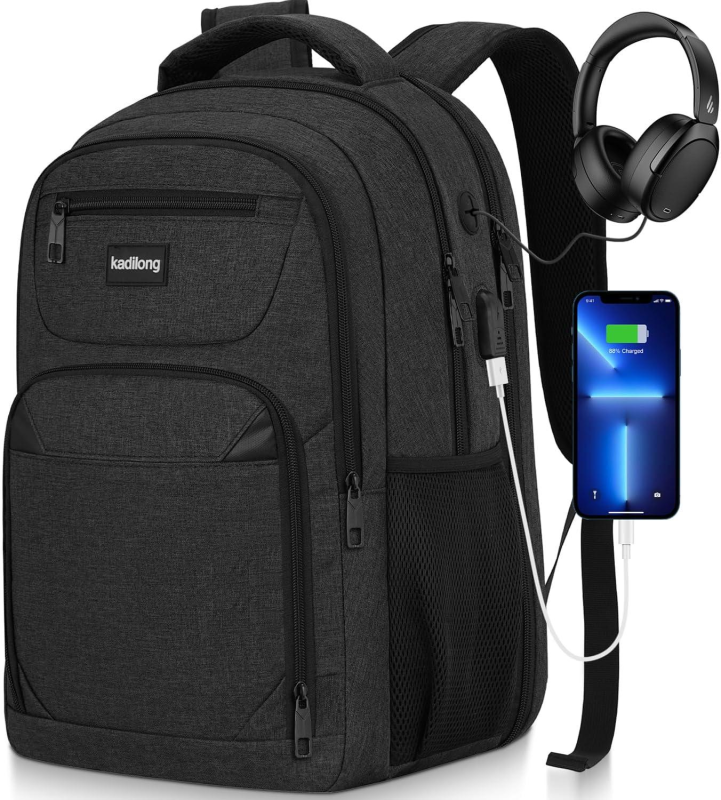
A laptop is only part of a student’s technology setup.
Consider adding:
- Protective laptop bag
- Wireless mouse
- Quality laptop charger
- USB-C hub where required
- Flash drive or external SSD
- Headphones
- Laptop stand
- Surge protection or suitable power protection
A good-quality charger is particularly important.
Avoid replacing an original or quality charger with an unknown low-cost adapter simply because it is cheaper. The wrong charger can create charging problems and, in some circumstances, damage the laptop.
For accessories, you can also explore Computer Accessories in Kenya and our UGREEN Kenya collection.
What Should Parents Look for When Buying a Student Laptop?
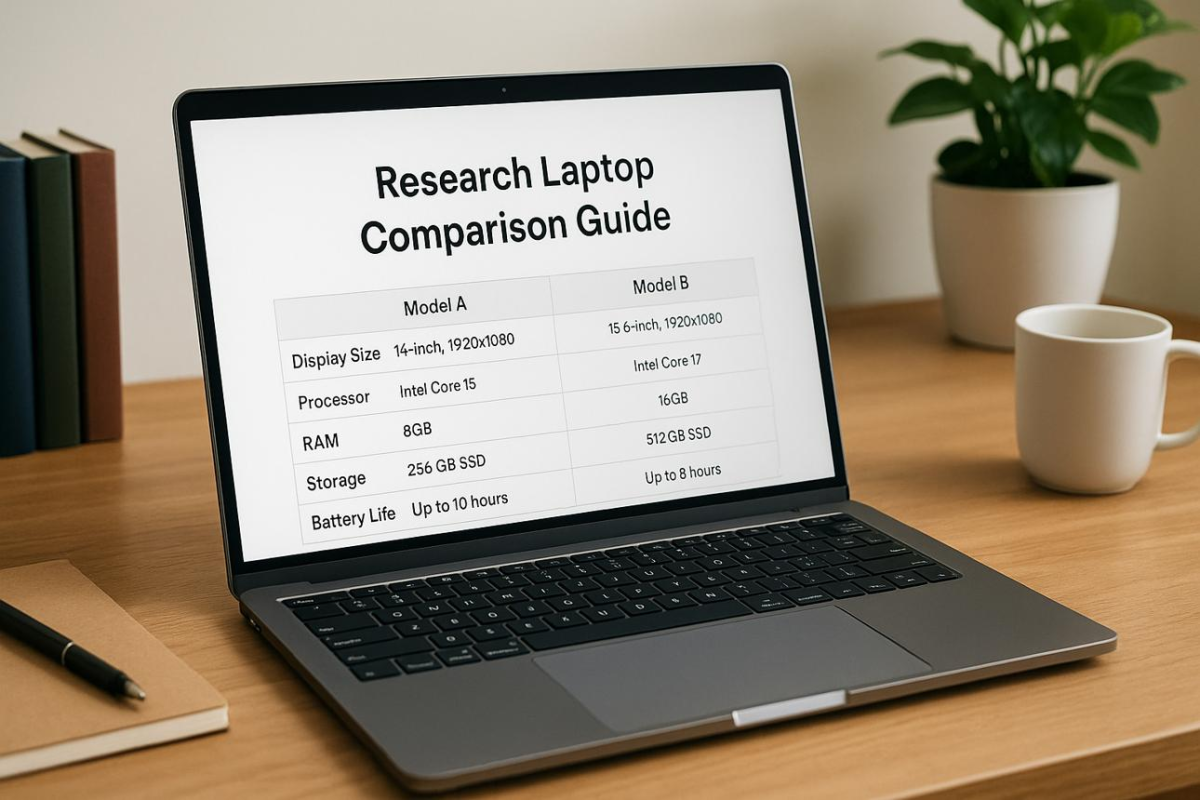
If you’re a parent buying a laptop for your son or daughter, the cheapest option isn’t always the most economical.
Think about the next three or four years.
Will the student use the laptop only for assignments?
Will they eventually need programming software?
Will they work with engineering applications?
Will they edit videos?
Will they need to carry it to class every day?
A slightly better laptop today may prevent the need for another purchase much sooner than expected.
And perhaps most importantly, ask the student what they will actually use it for.
The laptop should support their education—not become an expensive machine sitting unused because it wasn’t suited to their course.
A Simple Student Laptop Buying Checklist
Before paying for a student laptop, check:
☐ What course is the student taking?
☐ What software does the course require?
☐ What is the realistic budget?
☐ Is the processor appropriate?
☐ Is there at least 8GB RAM?
☐ Does it have SSD storage?
☐ Is 256GB enough, or would 512GB be better?
☐ Is the screen comfortable?
☐ Is the laptop light enough to carry?
☐ How is the battery?
☐ Is the keyboard comfortable?
☐ Does it have the ports required?
☐ Can the RAM or SSD be upgraded?
☐ Is it new or refurbished?
☐ If refurbished, has it been properly tested?
☐ What warranty is provided?
☐ Is the charger genuine and suitable?
☐ Is the seller trustworthy?
That final question matters more than many buyers realise.
Why Buy Student Laptops from Opulent Computer Systems?

At Opulent Computer Systems, we believe buying a student laptop should not feel like gambling.
You should be able to explain:
“This is my course. This is my budget. This is what I need the laptop to do.”
And get advice based on those facts.
We help students, parents and professionals compare laptops according to:
- Budget
- Course requirements
- Performance
- Portability
- Storage
- RAM
- Battery requirements
- New vs refurbished options
- Long-term value
Whether you’re buying your first university laptop or upgrading an existing machine, our goal is simple:
Help you buy the right computer—not simply the most expensive one.
Looking for Student Laptops in Nairobi?
Visit Opulent Computer Systems along Moi Avenue in Nairobi CBD.
We have locations at:
Elegant Exhibition Shop A5
Along Moi Avenue, Nairobi CBD
Iconic Business Plaza, 4th Floor, Shop G7
Along Moi Avenue, Nairobi CBD
📞 Call or WhatsApp: 0706 072 000
Tell us:
Your budget + your course + what you need the laptop to do.
We’ll help you narrow down the right options.
Related Opulent Guides
- Laptops in Kenya
- Laptop Prices in Kenya
- Best Laptops in Kenya
- Laptop Buying Guide Kenya
- Refurbished Laptops in Kenya
- HP Laptops in Kenya
- Dell Laptops in Kenya
- Lenovo Laptops in Kenya
- MacBooks in Kenya
- Gaming Laptops in Kenya
- Computer Accessories in Kenya
- Laptop Repair in Nairobi
Frequently Asked Questions About Student Laptops in Kenya

8
What is the best laptop for a university student in Kenya?
There is no single best model for every student. The right choice depends on the course, budget, software requirements and portability needs. A Business student may need a very different laptop from an Engineering or Computer Science student.
Is 8GB RAM enough for a student laptop?
For general academic work, 8GB can be sufficient. However, 16GB is a better choice for demanding multitasking, programming, engineering, design and other professional workloads.
Is Core i5 good for university students?
Yes. A modern Core i5-class processor can be an excellent balance of performance and value for many students. However, the generation and complete laptop configuration should also be considered.
Should I buy a refurbished laptop for a student?
A quality refurbished business laptop can offer excellent value, particularly when the budget is limited. Buy from a reputable seller and check the laptop’s condition, battery, specifications, charger and warranty.
How much does a student laptop cost in Kenya?
Student laptops are available across a wide range of prices. Your budget should be determined by the student’s course and workload rather than simply choosing the cheapest available machine.
Which laptop is best for Computer Science students?
Computer Science students should generally prioritise a capable processor, 16GB RAM where possible, SSD storage and good upgradeability, especially if they will use virtual machines, development environments or other demanding tools.
Which laptop is best for Engineering students?
Engineering students should first check the software requirements for their course. CAD, 3D modelling, simulation and rendering can require significantly more performance than ordinary academic work, including dedicated graphics in some cases.
Should parents buy a cheap laptop for a first-year student?
Not necessarily. A cheap laptop may save money initially but become expensive if it needs replacing quickly. Consider the student’s entire course duration and expected workload when deciding how much to spend.