
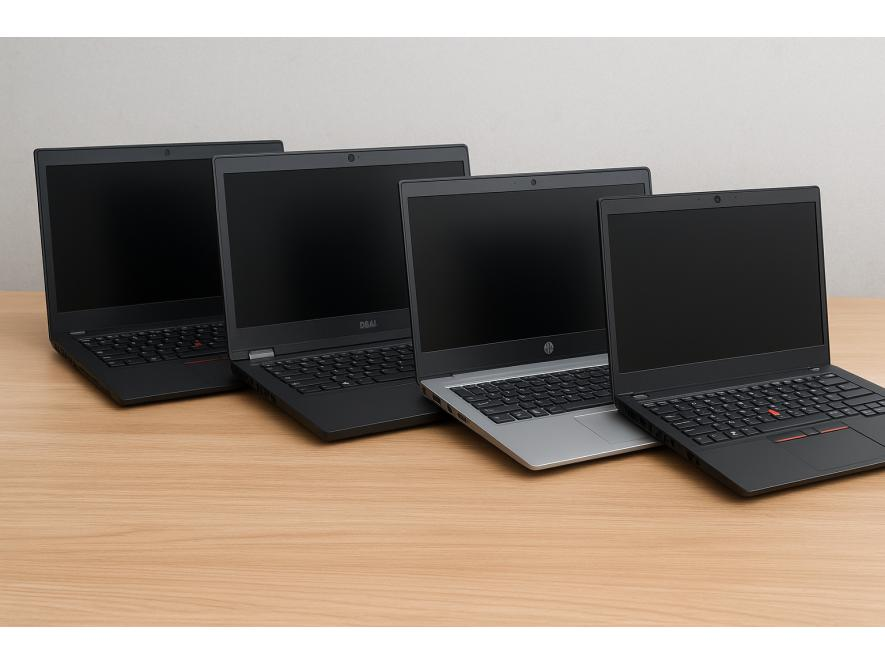
Not everyone needs to spend KSh 100,000 to get a good laptop.
Sometimes, the smartest laptop purchase is not the newest one on the shelf.
A properly tested refurbished laptop can give you better build quality, better specifications and better value for your money—especially when you know what to check and who you are buying from.
But there is an important distinction.
A refurbished laptop is not simply a second-hand laptop.
The condition, testing, battery, storage, display, keyboard, charger and warranty can make two seemingly identical used laptops completely different purchases.
This guide explains how to buy refurbished laptops in Kenya without focusing only on the price.
What Is a Refurbished Laptop?
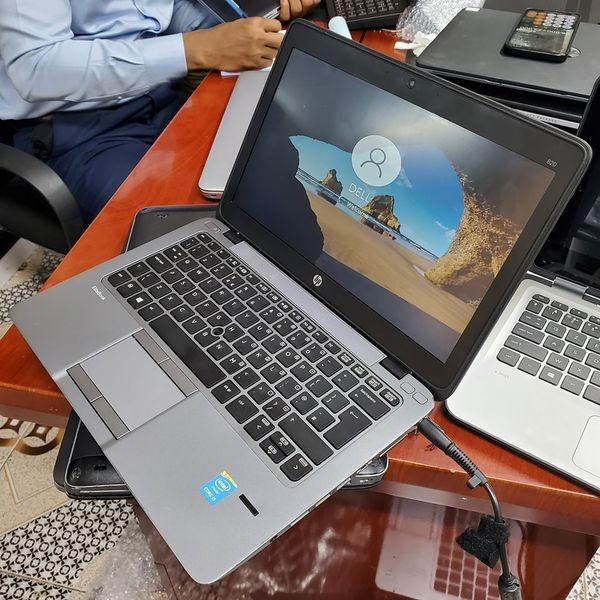
A refurbished laptop is a previously owned or previously used computer that has been inspected, tested and prepared for resale.
The exact refurbishment process can vary from one seller to another.
A quality refurbishment process may involve checking:
- Processor performance
- RAM
- SSD or hard drive health
- Screen
- Keyboard
- Touchpad
- Ports
- Wi-Fi
- Bluetooth
- Webcam
- Speakers
- Battery
- Charger
- Hinges
- Physical condition
- Operating system
This is why where you buy the laptop matters.
Two laptops can both be described as “refurbished” while having very different standards of preparation.
Why Are Refurbished Laptops Popular in Kenya?
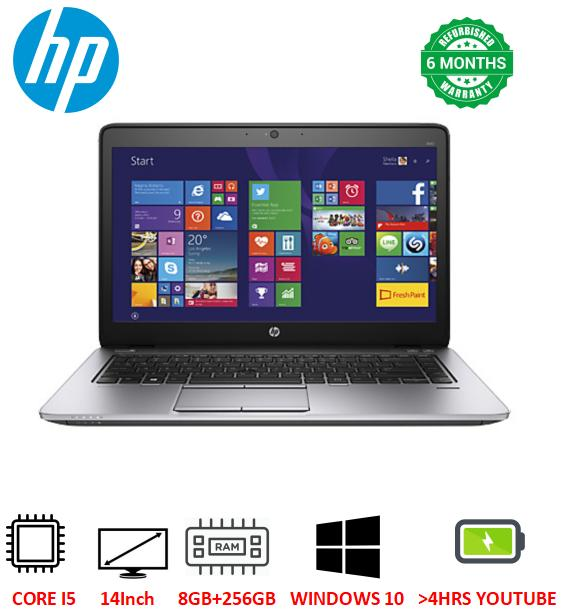
The biggest attraction is value.
A refurbished business laptop can allow a buyer with a limited budget to access a machine that would have been considerably more expensive when it was new.
This is particularly useful for:
- University students
- Small businesses
- Entrepreneurs
- Freelancers
- Teachers
- Professionals
- Startups
- Home users
- Schools
For example, someone looking for Student Laptops in Kenya may find that a properly refurbished business-class machine offers more useful performance than a very cheap entry-level new laptop.
The same principle applies to businesses.
A small company equipping several employees may find that quality refurbished business laptops make the technology budget go further.
Refurbished vs Used: What Is the Difference?
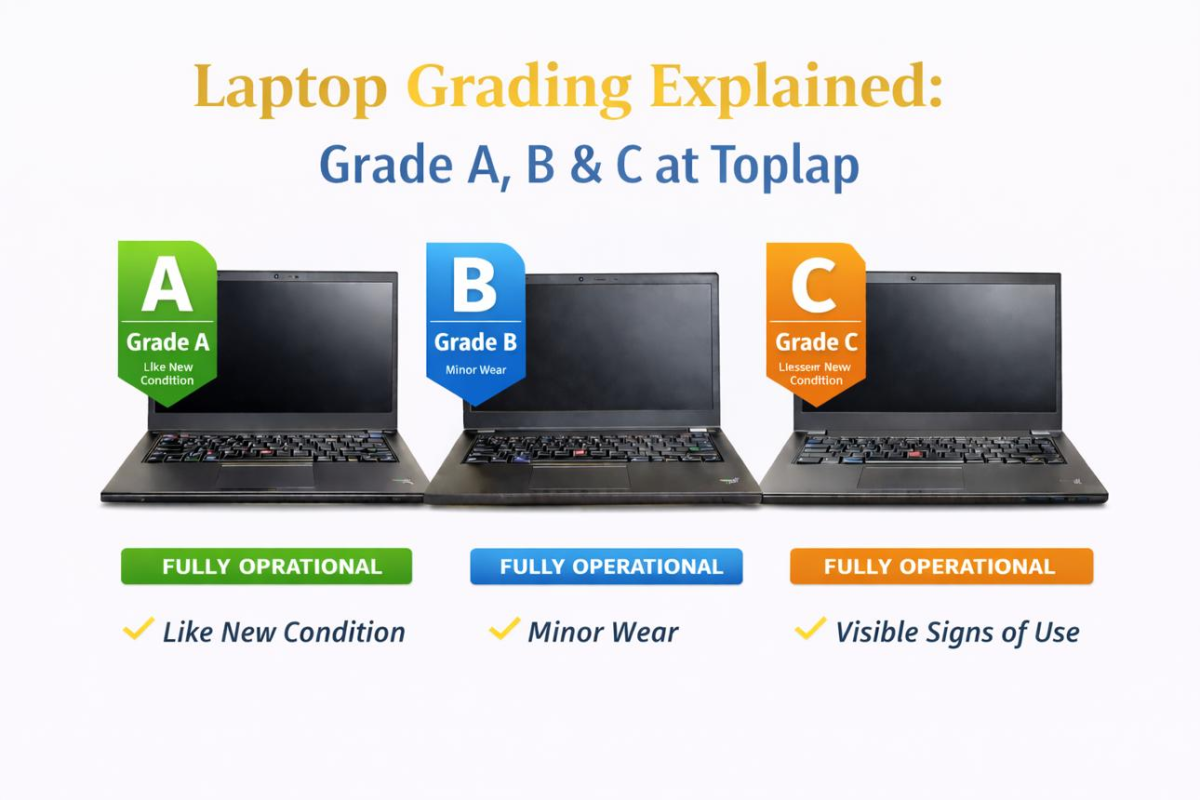
The words are sometimes used interchangeably, but buyers should ask what the seller actually means.
A used laptop may simply be a computer that another person owned and is now selling.
A refurbished laptop should have undergone some level of inspection, testing, cleaning, preparation or repair before resale.
However, there is no universal assumption that every seller uses the word “refurbished” in exactly the same way.
So don’t stop at the label.
Ask:
“What exactly has been checked and tested?”
That question can tell you much more than the word refurbished.
Why Business Laptops Make Good Refurbished Choices

Some of the most attractive refurbished laptops are former business machines.
Think about laptop families such as:
- HP EliteBook
- HP ProBook
- Dell Latitude
- Lenovo ThinkPad
These machines are designed for professional environments and can offer features that make them attractive as refurbished computers.
Depending on the model, you may find:
- Stronger chassis
- Better keyboards
- Business-oriented security
- Good connectivity
- Upgrade options
- Professional displays
- More practical designs
This is one reason a refurbished business laptop can sometimes be a better value proposition than a brand-new low-end laptop.
What Should You Check Before Buying a Refurbished Laptop?
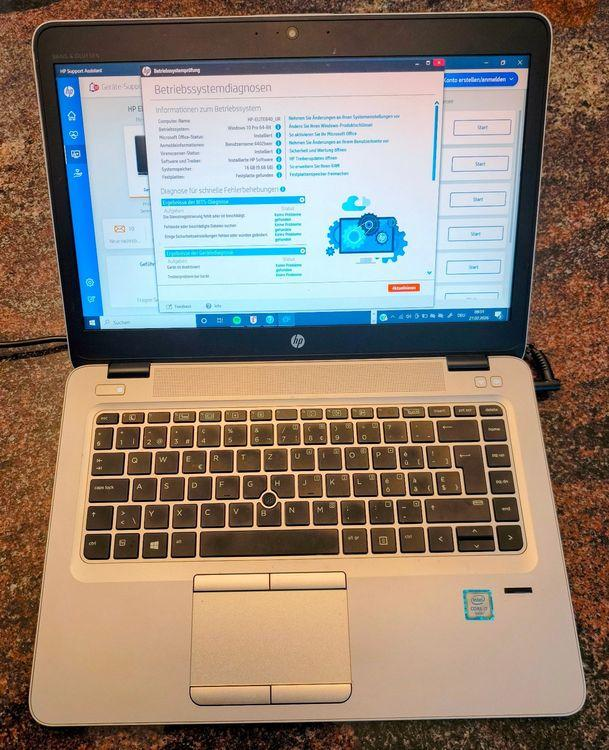
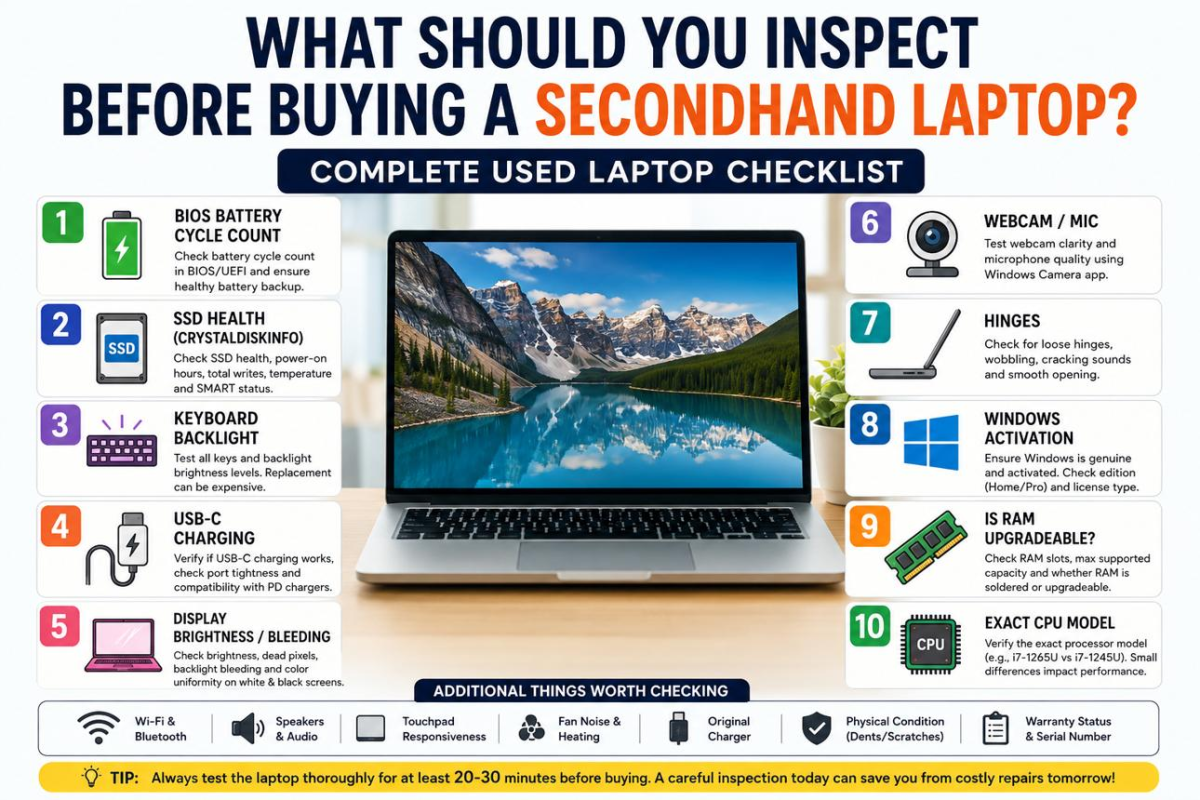
Don’t hand over your money simply because the laptop looks clean.
Check the machine properly.
1. Check the Processor
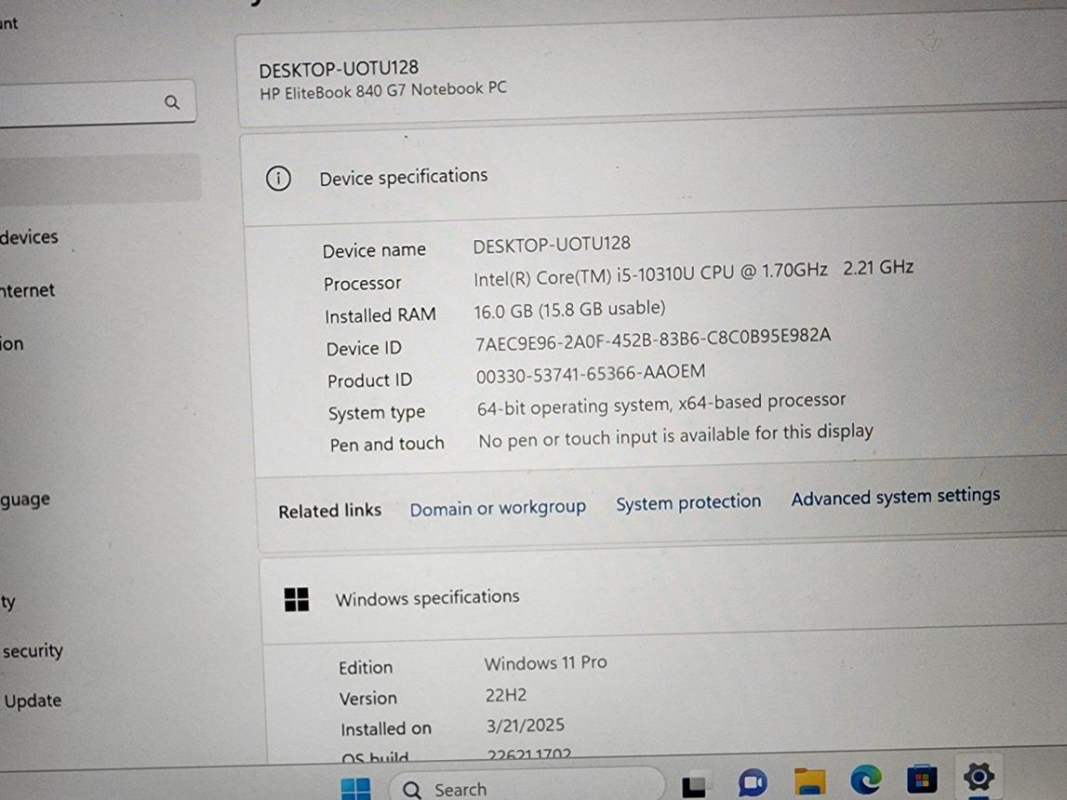
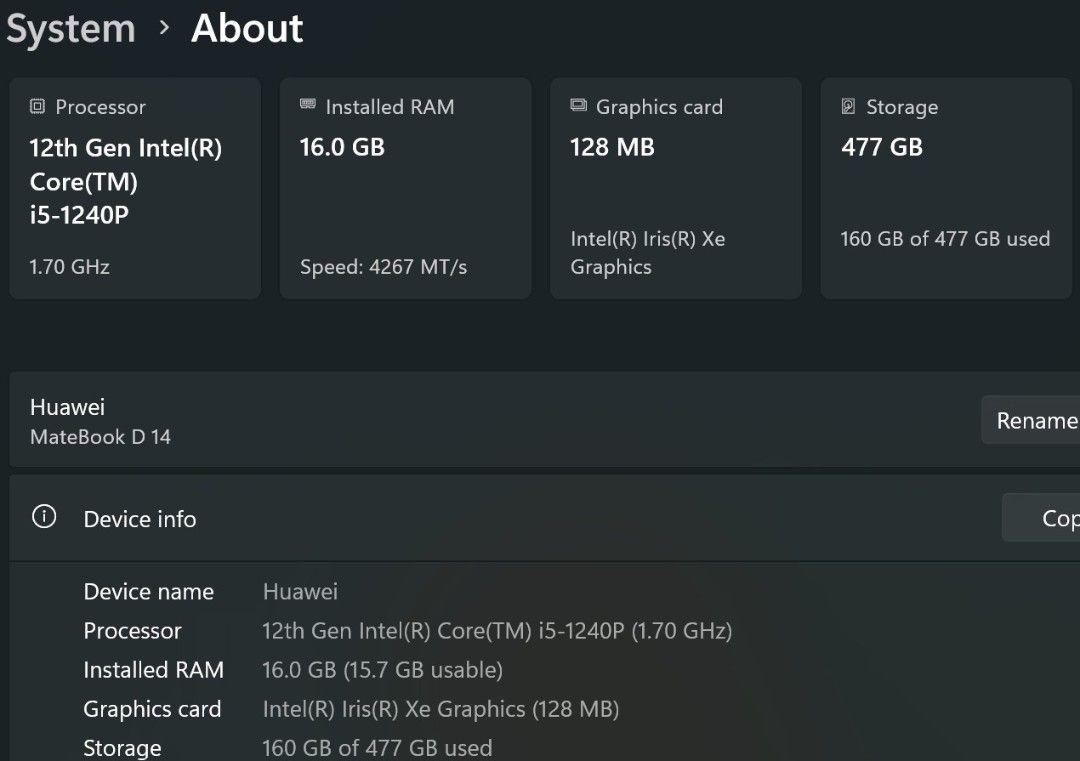
Don’t ask only:
“Is it Core i5?”
Ask:
Which generation?
A Core i5 from one generation can be significantly different from another.
The same applies to Core i7 and AMD Ryzen processors.
2. Check the RAM
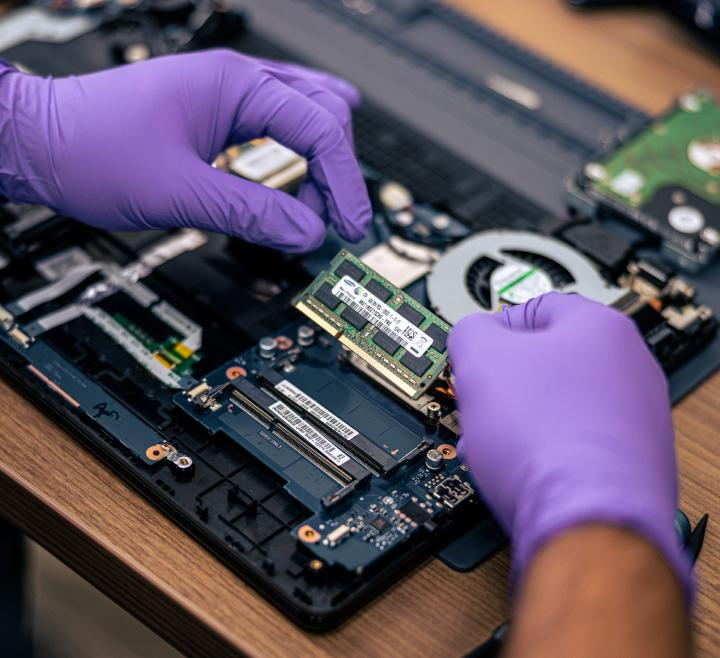
For ordinary work, 8GB RAM can be workable.
For better multitasking and longer useful life, 16GB RAM is often preferable.
If you’re buying a refurbished laptop for programming, engineering, design or other demanding work, consider whether you can upgrade the RAM later.
3. Check the SSD
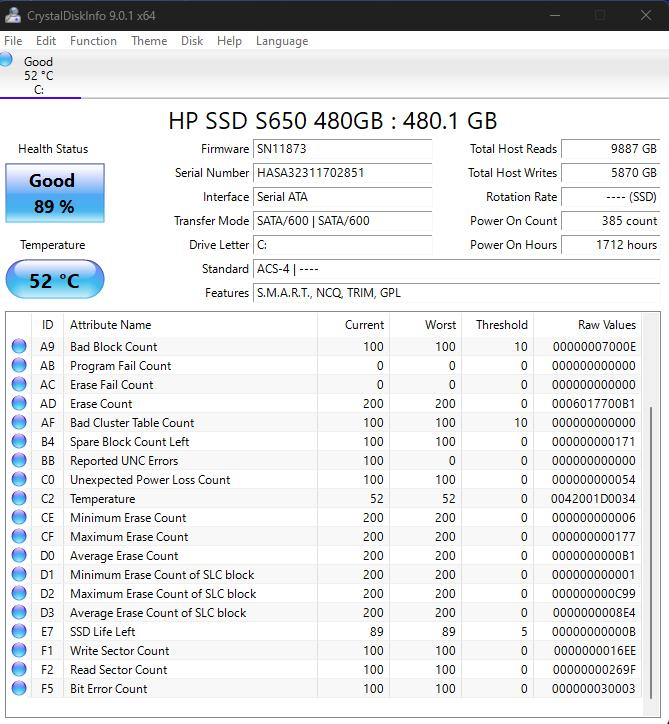
Don’t assume every refurbished laptop has healthy storage.
Ask whether the laptop uses:
- SSD
- NVMe SSD
- SATA SSD
- Mechanical HDD
For most modern users, an SSD is preferable.
Also consider the capacity.
256GB may be enough for basic users.
512GB gives considerably more breathing room.
1TB is useful for large files, media and demanding applications.
4. Check the Battery
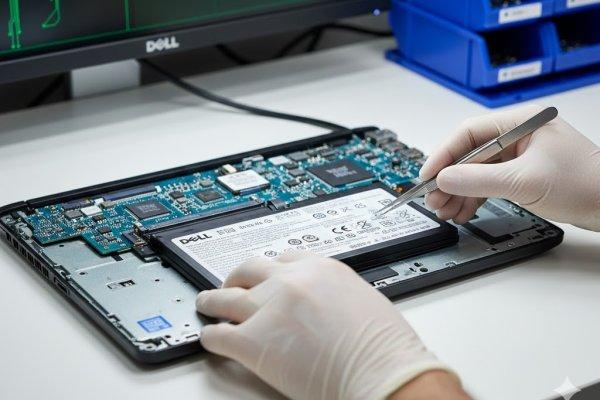
This is one of the most overlooked issues when buying refurbished.
A laptop can look almost perfect externally while having a heavily worn battery.
Ask:
“What is the battery condition?”
If portability matters, battery health should be part of your buying decision.
And remember: batteries are consumable components. A refurbished laptop may still be an excellent purchase even if the battery has some wear, provided the buyer knows what they are getting.
5. Inspect the Screen
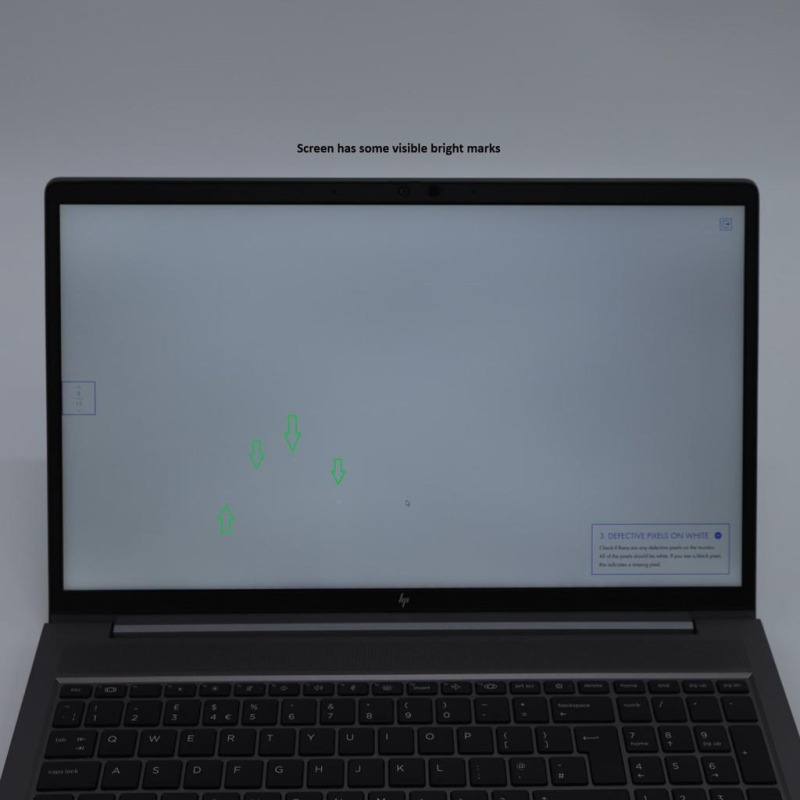
Check carefully for:
- Dead pixels
- Bright spots
- Dark spots
- Lines
- Flickering
- Uneven brightness
- Cracks
- Touchscreen problems where applicable
A screen problem is much easier to identify before purchase than after you have taken the laptop home.
6. Test the Keyboard and Touchpad

Type on the keyboard.
Check every important key.
Test:
- Letters
- Numbers
- Function keys
- Shift
- Enter
- Backspace
- Arrow keys
- Touchpad
- Click buttons
For someone who writes reports, emails or code every day, a good keyboard is not a luxury.
It is a productivity tool.
Don’t Forget the Ports
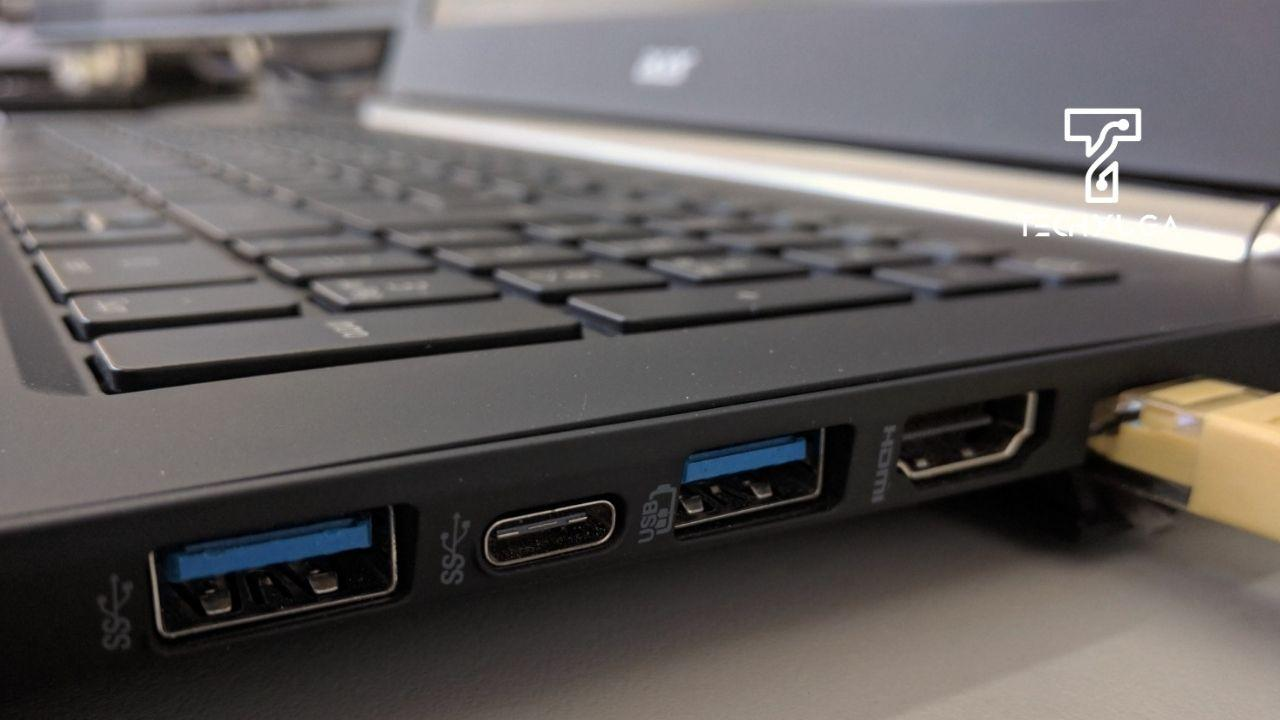
Test the ports before buying.
Depending on the laptop, check:
- USB-A
- USB-C
- HDMI
- Audio jack
- Ethernet
- SD card reader
- Charging port
You may need these ports for monitors, projectors, printers, flash drives, networking equipment and other accessories.
If the laptop doesn’t have the ports you need, a USB-C hub may provide a solution—but that is an additional cost.
Check the Physical Condition
5
Look beyond scratches.
Check the:
- Hinges
- Screen frame
- Bottom cover
- Keyboard deck
- Charging port
- Rubber feet
- Screws
- USB ports
Minor cosmetic marks don’t necessarily mean the laptop is bad.
A laptop can have scratches and still be technically excellent.
What matters is whether the condition affects function, reliability or durability.
Should You Buy Ex-UK Laptops?
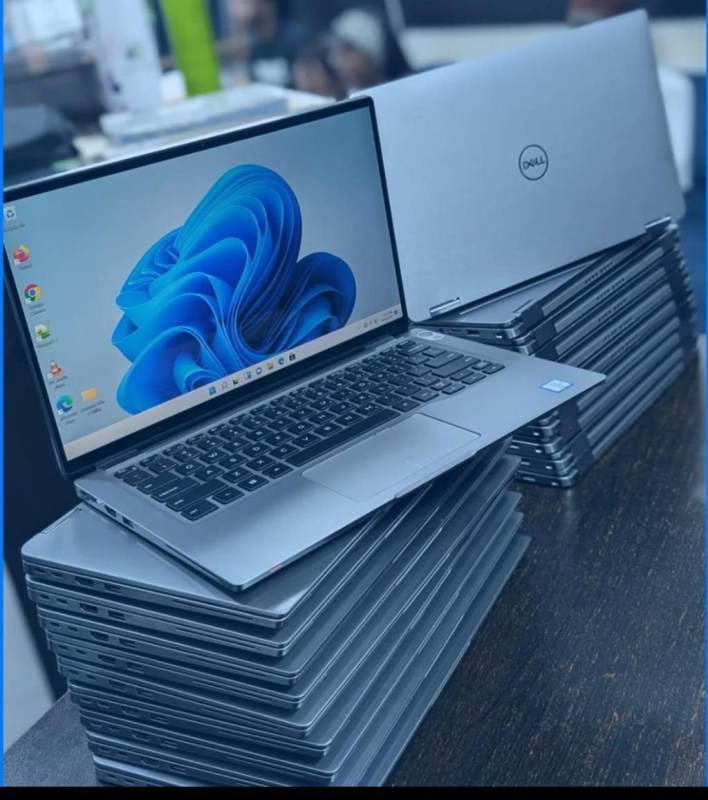
The Kenyan market has many laptops described as Ex-UK, especially refurbished business machines.
The important thing is not simply where the laptop came from.
The important questions are:
What condition is it in now?
Has it been properly tested?
What specifications does it have?
What warranty is offered?
Who will support you if something goes wrong?
A well-maintained Ex-UK business laptop can be a very practical purchase.
But don’t buy one simply because the words Ex-UK appear in the description.
How Much Do Refurbished Laptops Cost in Kenya?
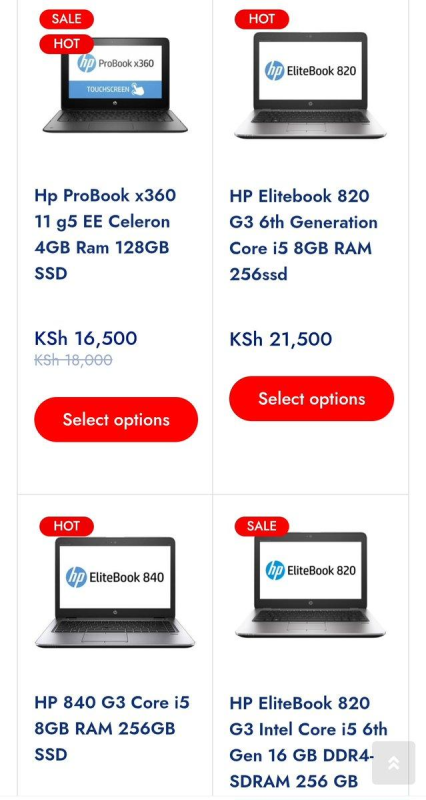
There isn’t one fixed price for refurbished laptops.
Prices vary according to:
- Brand
- Model
- Processor generation
- RAM
- SSD capacity
- Screen
- Touchscreen
- Battery
- Physical condition
- Warranty
- Availability
Generally, older entry-level business laptops cost less, while newer premium business machines cost more.
Instead of choosing a refurbished laptop because it is the cheapest, compare the total value.
A KSh 30,000 laptop that struggles with your work may be worse value than a KSh 45,000 machine that remains useful for several years.
For broader price guidance, see Laptop Prices in Kenya.
Who Should Buy a Refurbished Laptop?

Refurbished laptops can be particularly useful for buyers who want to maximise their budget.
Students
A student can potentially get a stronger business-class laptop without paying new-laptop prices.
See Student Laptops in Kenya for course-specific recommendations.
Small Businesses
SMEs buying several computers can stretch their equipment budget further.
See Business Laptops in Kenya for guidance on choosing laptops for employees.
Freelancers
Freelancers often need reliable productivity without unnecessarily high equipment costs.
Home Users
For browsing, documents, online learning and entertainment, a good refurbished laptop can be perfectly practical.
Parents
A refurbished laptop can provide a reasonable balance between cost and functionality when buying for a student.
Who Should Be Careful About Buying Refurbished?
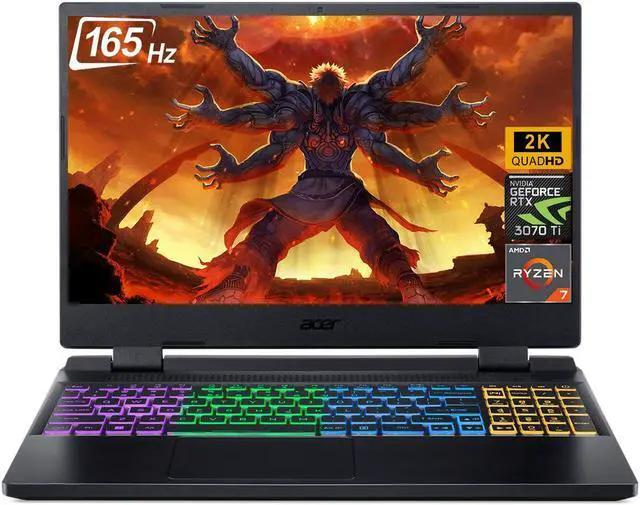
Refurbished isn’t automatically the right choice for every workload.
Be particularly careful if you need:
- High-end gaming performance
- Latest-generation graphics
- Professional 3D rendering
- Advanced video production
- AI/ML workloads
- Specialist engineering applications
- Extremely long battery life
In these situations, a newer machine may make more sense depending on your requirements.
The question is always:
What do you need the laptop to do?
The Biggest Mistake: Buying on Price Alone
Imagine finding two laptops.
One is cheaper by KSh 5,000.
The other has:
- Better processor
- More RAM
- Larger SSD
- Better battery
- Better screen
- Better condition
- Longer warranty
The cheaper laptop may look like the obvious deal.
But if you have to replace it much sooner, repair it repeatedly or upgrade several components immediately, the saving disappears.
The cheapest laptop is not always the cheapest laptop to own.
Think about value over time.
Refurbished Laptop Buying Checklist
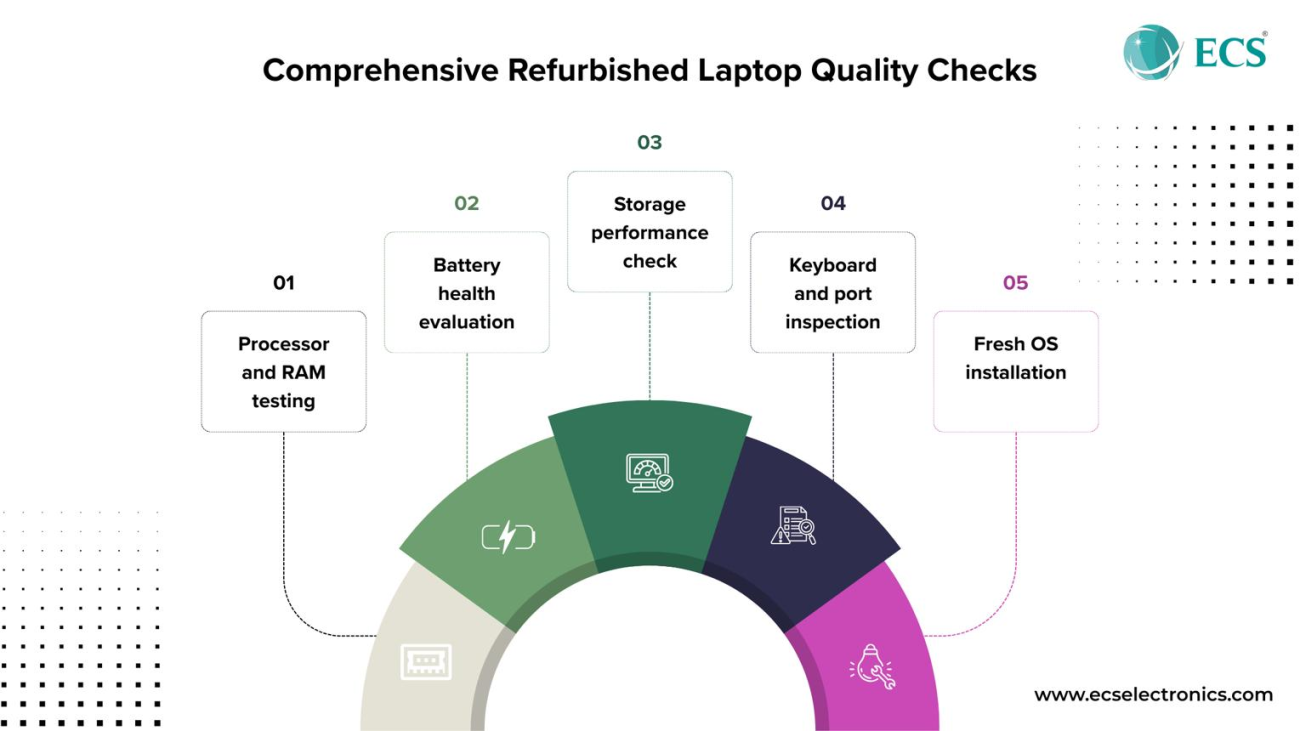
Before buying, check:
☐ Processor generation
☐ RAM capacity
☐ SSD capacity and health
☐ Battery condition
☐ Screen
☐ Keyboard
☐ Touchpad
☐ Webcam
☐ Speakers
☐ Wi-Fi
☐ Bluetooth
☐ USB ports
☐ USB-C
☐ HDMI
☐ Charging port
☐ Hinges
☐ Chassis
☐ Charger
☐ Operating system
☐ Warranty
☐ Seller reputation
If the seller is uncomfortable with you testing the machine, that should make you uncomfortable too.
Why Buy Refurbished Laptops from Opulent Computer Systems?
At Opulent Computer Systems, we understand that buying a refurbished laptop requires trust.
You’re not simply buying a machine.
You’re trusting the seller to tell you what you’re actually getting.
Our approach is to help you choose based on:
Your budget.
Your workload.
Your required specifications.
The laptop’s condition.
And the value you expect from it.
We can help you compare refurbished business laptops with new alternatives so you can make an informed decision rather than simply choosing the cheapest option.
Looking for Refurbished Laptops in Nairobi?

6
Visit Opulent Computer Systems along Moi Avenue, Nairobi CBD.
Our Locations
Elegant Exhibition Shop A5
Along Moi Avenue, Nairobi CBD
Iconic Business Plaza, 4th Floor, Shop G7
Along Moi Avenue, Nairobi CBD
📞 Call or WhatsApp: 0706 072 000
Tell us your:
Budget + course/work + preferred size + required performance.
We’ll help you find the options that make sense.
Explore More Laptop Guides
Continue your research with:
- Laptops in Kenya
- Laptop Prices in Kenya
- Best Laptops in Kenya
- Student Laptops in Kenya
- Business Laptops in Kenya
- Laptop Buying Guide Kenya
- HP Laptops in Kenya
- Dell Laptops in Kenya
- Lenovo Laptops in Kenya
- MacBooks in Kenya
- Gaming Laptops in Kenya
- Laptop Repair in Nairobi
- Computer Accessories in Kenya
Frequently Asked Questions
Are refurbished laptops safe to buy?
Yes, provided you buy from a reputable seller and the laptop has been properly inspected and tested. Ask about its condition, battery, storage, charger and warranty.
Are refurbished laptops good for students?
Yes. A quality refurbished business laptop can be an excellent option for students, particularly when the budget is limited.
Is an Ex-UK laptop refurbished?
Not necessarily. “Ex-UK” generally describes the laptop’s previous market or origin, while “refurbished” describes its preparation for resale. Always ask the seller what testing and refurbishment has actually been performed.
How long can a refurbished laptop last?
There is no single lifespan. It depends on the model, age, condition, usage, maintenance and components. A quality business laptop that is properly maintained can remain useful for years.
Should I buy a refurbished Core i7 or a new Core i3?
Don’t decide based on the processor label alone. Compare the generation, RAM, SSD, battery, build quality, intended workload and overall condition.
What is the best refurbished laptop brand in Kenya?
HP EliteBook, Dell Latitude and Lenovo ThinkPad are among the business laptop families worth considering. The specific model and condition matter more than the logo on the lid.